Head office · Franchise reporting dashboardEvery location, on one page.
Head office opens one page and sees every location: leads, reviews, map rank and what needs attention, in plain words. No more waiting for a monthly report to learn that a location slipped.
Seven plain reasons flag a location, from no leads in 30 days to a rating under 4.
Listings at every location are checked every six hours.
Area managers see only their own locations, view only or with rights to manage.
Totals on top. Every location below.
At the top: how many locations, leads in the last 30 days and the change, reviews and the average rating, new reviews this month, average map rank, and how many locations need attention.
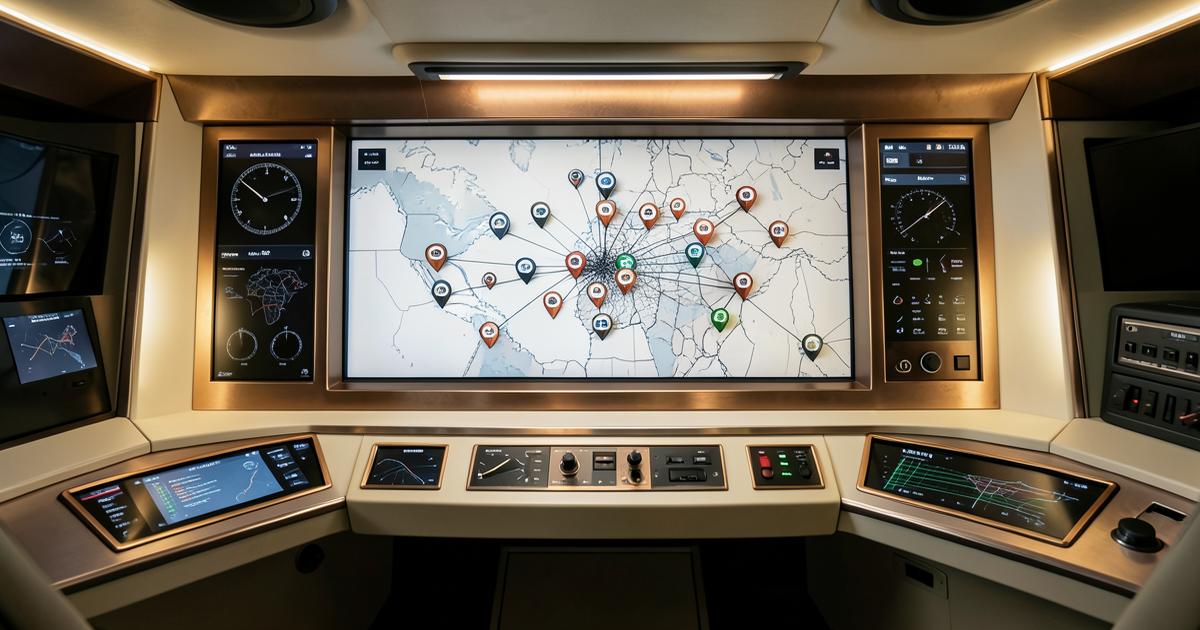
Below: one row per location with its status, leads, reviews and average map rank. A map shows every location colored by map rank. Sort it, search it, filter it, and print it or save it as a PDF for the board.
- No leads in the last 30 days
- Leads fell by half
- Average map rank past 10
- Not in the top 20 for any tracked search
- A rating under 4 with 3 or more reviews
- No new reviews in 90 days
- Listings that need a fix
When a location slips, you see why.
Our team works from the same list.
- No leads in the last 30 days
- Leads fell by half
- Average map rank past 10
- Not in the top 20 for any tracked search
- A rating under 4 with 3 or more reviews
- No new reviews in 90 days
- Listings that need a fix
Group locations the way you run them.
Create regions, move locations into them, and see a subtotal for each region. Filter the whole page to one region at a time.
Give an area manager a set of locations. They can view only or manage, and they land on a page with just their locations. Every change is logged.
Owners see their location. Head office sees all of them.
Head office issues each owner a login to their own location, under your brand's name. They see their Maps grid, reviews, calls, leads and listings, and nothing from any other location.
Head office can open any location and read its inbox. Reading is all it can do there unless you grant more.
Every number has an age.
A report is only useful when you know how old each number is. Here is ours.
- Listings: checked every six hours.
- Search positions: checked about every 30 minutes, with a daily snapshot.
- Maps grids: about weekly for each tracked search.
- Reviews: pulled in up to weekly.
- Leads and calls: as they come in.
A report per location. One page for the board.
Each location gets a monthly report and deck, saved as a PDF.
For head office, the all locations page prints as the board view. The numbers are the same ones the owners see.
From the first call to every location.
We set up head office and each location as its own account under your brand.
You tell us your regions and who manages which locations.
We issue logins for head office, area managers and owners.
The page fills in as the checks run, and our team starts on the needs attention list.
Asked often, answered plainly.
How do we measure results when franchisees own the sale?
We measure what marketing can see: calls, forms, chats and leads at each location, plus reviews and map rank. Each lead lands in that location's records, and head office sees the combined list. If your locations record sales somewhere else, we talk on the call about bringing that number in.
If a location misses a call, does head office know?
Each location's calls are logged, and a missed call gets a text back automatically. Head office can open that location and read its inbox. A location with no leads in 30 days is flagged on the all locations page.
How does an owner know the marketing is working?
They log in to their own location and see calls, leads, reviews and where they rank on the map. They also get a monthly report for their location. It shows their numbers, not the brand average.
Does the dashboard carry our brand?
Yes. The dashboard and its sign in can carry your brand's name, so owners sign in to your brand, not ours. We confirm on the call exactly which screens and messages carry it.
What can head office change at a location?
Head office can see every location and, through area managers, manage the ones you choose. Owner logins can be view only. Website page changes wait for a yes before they go live.
More on marketing many locations.

Open the all locations page on a call.
On a 30 minute discovery call we walk you through a working account: the totals, the map, the needs attention list and one location up close.