TrafficShield Engineered™ · Click fraud protectionStop paying for clicks that were never people.
Bot, competitor and fraud clicks identified and blocked across your paid campaigns, refunds filed where the platform allows, and a nightly note on what you did not pay for.
For anyone who sees clicks but no calls.
- Bots, competitors and accidental taps, blockedBlock lists updated every night.
- Refunds filed for youWherever the platform allows, within the week.
- Every block shown, with the reasonA nightly line on what you did not pay for.
of spend caught in month one
A law firmcost per lead from $62
A home services groupblocks a week by week six, from 120
A dealershipSend the form. Here is what happens.
- A strategist reads itWithin the hour on weekdays.
- We watch a weekView access to your ad accounts. Nothing is blocked until you say yes.
- Fifteen minutes, the invalid shareHow many of your clicks were never people, and what they cost.
Every click, checked at the door.
The paid media agent reads every click overnight and marks the ones that were never people. Your media buyer excludes them and files the refunds. Switch weeks to watch the list learn.
At the door
BotCompetitorAccidental tapReal visitor, let through
Week 6. 44 invalid clicks blocked. Most bots no longer see the ads at all.
The nightly note
Latest blocksEvery one, with the reason
- BotOne device, 4 clicks in 3 minutes. Never called.Device excluded
- CompetitorA rival's office network, its second visit this week.Network excluded
- Accidental tapA game app. Gone from the page in under a second.Waiting on you
An example account. Your own numbers replace these the day we connect.
Everything in the engagement.
Bots, competitors, accidental taps.
Kept current nightly.
Where the platform allows.
Named where we can.
Apps and sites that never convert, excluded.
Negatives that write themselves.
Hours that click but never convert, cut.
Speed and forms verified nightly.
What you did not pay for, in plain English.
The patterns, the sources, the savings.
From check to first result.
- Connect the ad accountsRead-only at first.
- Watch a weekPatterns, IP ranges, timing, devices.
- Block and fileExclusions applied, refunds requested.
- ReportWhat you did not pay for, every night.
Who is on it.
Media buyer
Owns the exclusions and the refund filings.
The paid media agent
Reads every click and every dollar nightly.
Three people we built it for.
The owner who sees clicks but no calls
Clicks up, calls flat. Something is wrong.
Gets: The invalid share, cut, and the cost per lead that follows.
The regional manager
One location's cost per lead is double the rest.
Gets: Usually a click source. Found and blocked.
The media buyer
Clients ask why the numbers do not add up.
Gets: Now they do, with the blocked clicks listed.
Against the usual options.
| TrafficShield Engineered™ | Platform defaults | A click fraud tool | |
|---|---|---|---|
| Detection | Nightly, cross-platform | Basic | Yes |
| Refunds filed | Yes | No | Rarely |
| Search terms and placements | Cleaned | No | No |
| Explained | Nightly, in plain English | No | A dashboard |
| Cost | Flat | Free | Per click |
Scoped after the check.
Managed engagements are scoped to your market and your goals. Software is always included. Month to month, your accounts stay yours. We ask for one quarter on a handshake, because the block list sharpens week by week.
Request the TrafficShield checkWhat you can hold us to.
Click fraud protection, explained.
The cost of unprotected ad spend
Most businesses do not know they have a fraud problem until they have already wasted thousands. The signs are subtle: a decent click-through rate with flat conversions, traffic in your analytics that does not match revenue, and ad algorithms that seem to get worse instead of better.
That is what happens when bots and fake users mix into your data. Your bidding learns from fake engagement, your retargeting audiences fill with people who will never buy, and your cost per acquisition climbs while nobody can say why.
It is not just wasted clicks. It is corrupted data.
A fake click costs you twice: once for the click, and again in every decision made from the data it leaves behind.
Your ad algorithms learn from bots
When automated bidding on Google or Meta sees engagement from fraudulent sources, it goes looking for more users like them. Campaigns drift toward low-quality audiences because the system thinks that is where your real engagement lives. The result is higher spend, worse results and no obvious explanation.
Your conversion tracking misleads you
If bots or fake users fire your tracking pixels, your lookalike and retargeting audiences fill with non-buyers. You end up paying to retarget users who were never real in the first place.
Your cost per acquisition inflates quietly
Because invalid clicks are mixed in with real ones, cost per acquisition looks stable or only a little high. It gets blamed on tired creative, a seasonal dip or the market, when the real issue can be that 15 to 25% of your traffic was never human to begin with.
When the data reflects reality
With invalid traffic filtered out, everything downstream improves. Your ad algorithms learn from real users, your conversion tracking reflects actual prospects, and your cost per acquisition drops, not because you spend less, but because more of your budget reaches people who can buy from you.
Protection beyond the ad click
TrafficShield covers the campaigns, the website they send traffic to, and the reporting that tells you what was saved.
Ad campaign protection
- Google Ads fraud blocking, including Performance Max and YouTube
- Meta ads audience exclusion for fake users
- Bing ads IP blocking, on request
- Exclusion lists managed for you
- Tracking pixels kept from firing on invalid users, so your audience data and lookalike modeling stay clean
Website and bot protection
- Bot blocking on WordPress and custom sites
- Bot traffic filtered out of your analytics
- Crawler identification and management
- Consent mode compatibility
- Session recordings of real visitor behavior, for landing page fixes
Intelligence and reporting
- Competitor ad monitoring: who is bidding on your keywords, their ad copy and their daily position changes
- Weekly or monthly protection reports showing fraud blocked and budget saved
- Click-level detail: browser, device, location, internet provider, keyword and time
TrafficShield Engineered™ questions, answered.
Is click fraud on Google and Meta ads real?
Yes. Bots, competitors and accidental taps all click on paid ads, and the standard ad platform filters do not catch all of it. Every account has some invalid clicks, and most have more than they think. The signs are clicks going up while calls stay flat, and a cost per lead that climbs for no clear reason.
Will TrafficShield hurt my ad reach?
No. TrafficShield removes clicks that were never going to convert: bots, competitors and accidental taps. Real visitors are let through, and with invalid traffic gone, more of your budget reaches people who can actually buy from you. Your ad algorithms also learn from real users instead of bots.
Can I see every click TrafficShield blocks?
Yes, every one, with the reason. A nightly note lists what you did not pay for in plain English, such as one device clicking four times in three minutes or a rival's office network visiting again. Click-level detail covers the browser, device, location, internet provider, keyword and time of each click.
How does TrafficShield get refunds for invalid clicks?
Your media buyer files the refund requests for you, wherever the ad platform allows, within the week. The same person applies the exclusions, so blocked devices, networks and placements stop seeing your ads. The savings show up in your nightly note and in a report on the patterns, the sources and the money saved.
Which ad platforms does TrafficShield protect?
Google and Meta, with more platforms on request. On Google that includes Performance Max and YouTube campaigns, and on Meta it covers your ads on Facebook and Instagram. Detection runs nightly across platforms, and TrafficShield also cleans your search terms and placements, excluding apps and sites that never convert and cutting hours that click but never convert.
What does TrafficShield check to spot a fake click?
Patterns, IP ranges, timing and devices. We look at location, device fingerprints, VPN and proxy use, click frequency and session behavior, and compare each source against known fraudulent ones. A click that fails is marked as a bot, a competitor or an accidental tap, and your media buyer adds its device or network to the exclusion list.
What does TrafficShield click fraud protection cost?
TrafficShield is scoped after the check: we watch a week of your clicks, then you get a quote on the call before you commit to anything. The fee is flat, not charged per click, and your ad budget is always billed to you directly by the ad platforms, separate from our fee.
Is there a contract for TrafficShield?
No. TrafficShield is month to month, and your ad accounts stay yours if you leave. We do ask for one quarter on a handshake, so the block list has time to learn your traffic. We start with view access only, watch a week of clicks, and nothing is blocked until you say yes. Your accounts, content and data stay in your name throughout.
From the Idea Stream, on protecting traffic.
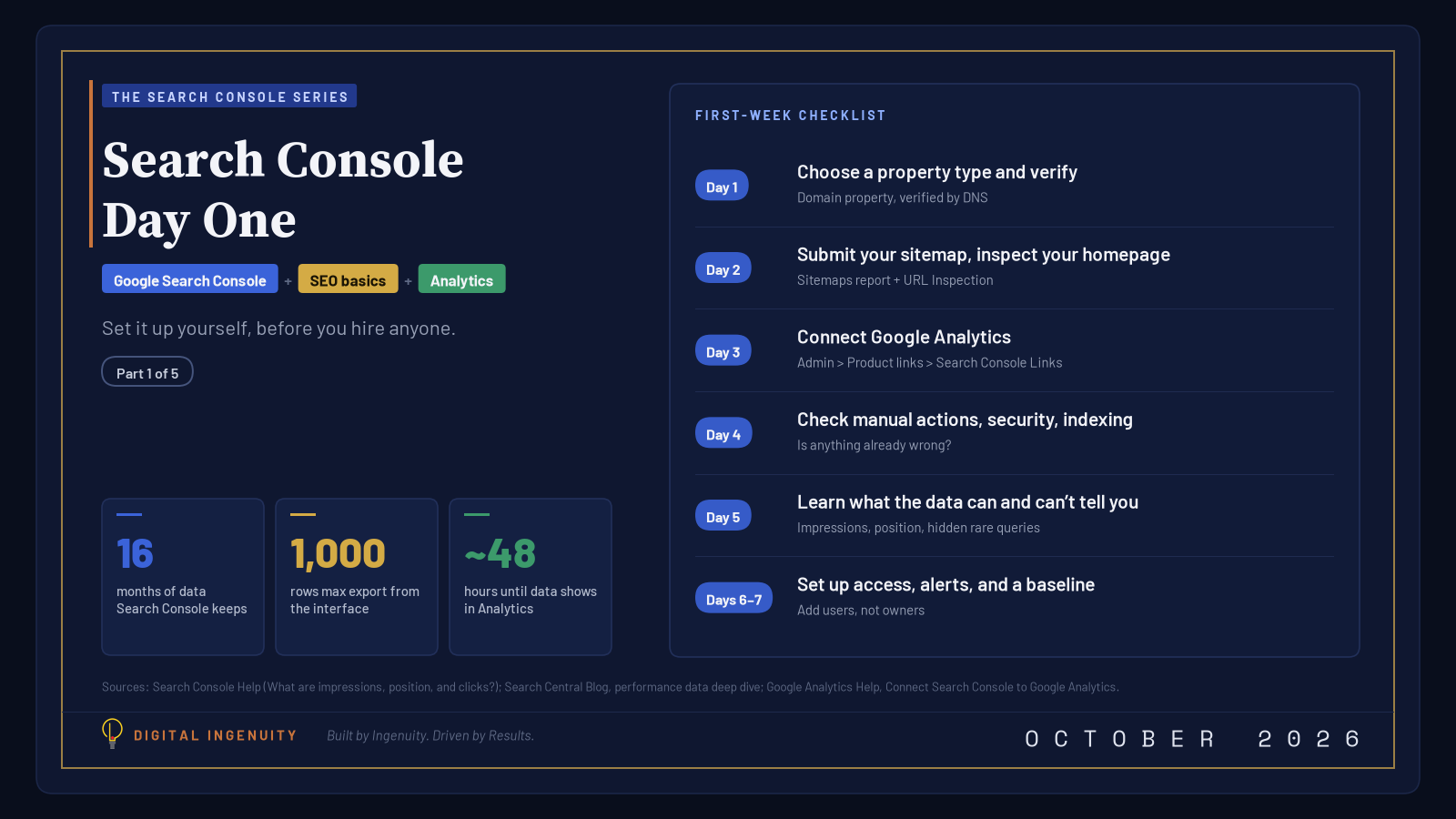 Google Search Console
11 min read
Search Console Day One: Set It Up Before You HireSet up Google Search Console yourself before you hire an SEO. It’s free, takes under an hour, and shows how Google sees your site. A first-week checklist.
Read the essay
Google Search Console
11 min read
Search Console Day One: Set It Up Before You HireSet up Google Search Console yourself before you hire an SEO. It’s free, takes under an hour, and shows how Google sees your site. A first-week checklist.
Read the essay
 SEO
6 min read
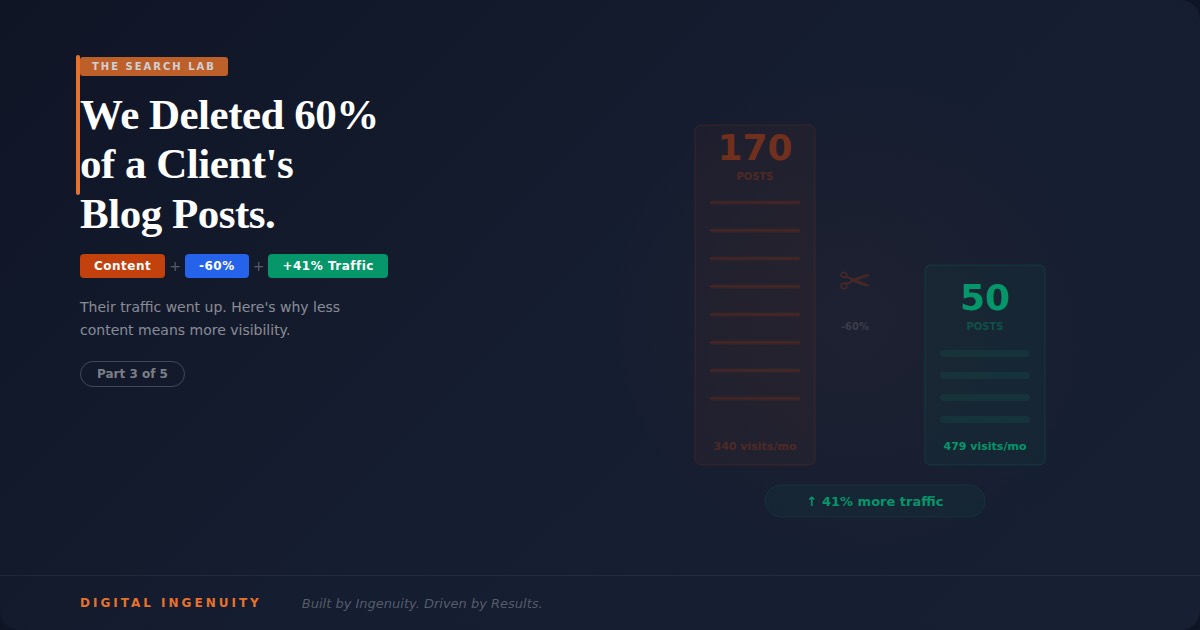
How Deleting Blog Content Increased Organic Traffic by 41%More content isn’t always better. How we audited 170 blog posts for a DFW business, deleted the filler, and saw organic rankings and crawl efficiency rise.
Read the essay
SEO
6 min read
How Deleting Blog Content Increased Organic Traffic by 41%More content isn’t always better. How we audited 170 blog posts for a DFW business, deleted the filler, and saw organic rankings and crawl efficiency rise.
Read the essay
 SEO
4 min read
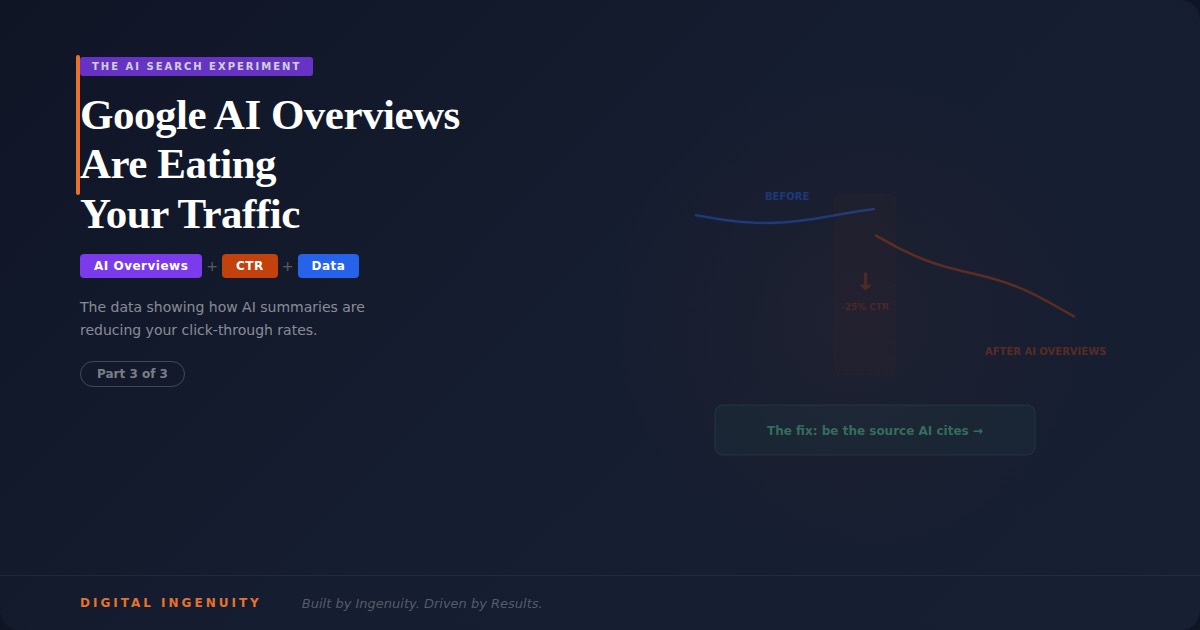
Google AI Overviews Are Eating Your TrafficGoogle AI Overviews are changing the search landscape, causing organic CTR to decline. Learn how to adapt your content strategy to become the cited authority.
Read the essay
SEO
4 min read
Google AI Overviews Are Eating Your TrafficGoogle AI Overviews are changing the search landscape, causing organic CTR to decline. Learn how to adapt your content strategy to become the cited authority.
Read the essay
Every essay in the Idea Stream184 essays
Goes well with clean traffic.
Find out what you are paying bots for.
Tell us about the business and the spend. We watch a week of your clicks, then show you the invalid share and what it cost.