Key takeaways
- In Search Console, an impression only means your link appeared on a results page, even if nobody scrolled to it.
- A Google logging error misreported impressions, CTR, and average position from May 13, 2025 to April 27, 2026. Clicks were unaffected, and the old data won’t be corrected.
- Otherwise, rising impressions with flat clicks usually means you rank for more searches at low positions, or Google answered on the results page.
- SparkToro and Similarweb found 68.01% of US Google searches in Jan–Apr 2026 ended without any click at all.
- Judge SEO on non-branded clicks to money pages, CTR within position bands, and what visitors do after the click.
You open Google Search Console and the Performance chart tells two stories. The purple impressions line climbs month after month. The blue clicks line barely moves. Impressions up, clicks flat. It’s tempting to read that as failure.
Usually, it’s neither. First, rule out a known Google data error that ran for almost a year. After that, rising impressions with flat clicks most often means one of three things: your site is showing up for more searches at low positions, Google is answering the question on the results page, or a rich result or AI feature is taking the click. This guide explains how to tell which one it is, using Google’s own definitions, and which numbers actually deserve your attention.
Key points
- An impression only means a link to your site appeared on a results page. It doesn’t mean anyone saw it.
- A Google logging error misreported impressions, CTR, and average position from May 13, 2025 to April 27, 2026. Clicks were not affected.
- Most Google searches now end without any click, so flat clicks don’t automatically point to a problem with your site.
- Read impressions together with average position and query type, never on their own.
- The numbers that matter most are non-branded clicks to pages that make money, and what those visitors do next.
What Search Console actually counts
Start with the definitions, because most misreadings come from them. From Google’s Search Console documentation:
- Impression: counted when a link to your site appears on the current page of results, whether or not it’s scrolled into view. Inside carousels and expandable sections like “People also ask”, the item usually has to be scrolled into view or expanded first.
- Click: counted when someone clicks a link that takes them out of Google to your site. Clicks that stay inside Google, such as a query refinement, don’t count.
- Average position: the topmost position your site held for each search, averaged across all searches where it appeared. A result has to get an impression for its position to be recorded.
- CTR: clicks divided by impressions.
So a page ranking eighth gets an impression every time that results page loads, even if nobody scrolls past the top three, and a new ranking deep in the results for a popular query can add many impressions with almost no chance of a click.
Check this first: the 2025–26 impressions logging error
If your chart covers the past year and a half, part of the story may not be about your site at all. Google’s Data anomalies in Search Console page says:
“A logging error prevented Search Console from accurately reporting impressions from May 13, 2025 until April 27, 2026. … Only impressions and related metrics - CTR and average position - were affected; clicks were not affected by the error, and this issue affected data logging only.”
Google adds that after the fix “you may notice a decrease in impressions”, which tells you the numbers during that window ran high. The fix applies going forward only. John Mueller of Google confirmed on Bluesky that the old data will not be corrected, as reported by Search Engine Roundtable and Search Engine Land.
What that means in practice:
- Clicks are the reliable line for any period that touches May 13, 2025 to April 27, 2026. Read them first.
- Don’t compare impressions, CTR, or average position across April 27, 2026. A drop in impressions after that date may simply be the logging fix, not a penalty.
- Annotate any report that uses impressions from that window, and ask whoever sends you reports to do the same.
- Check the Data anomalies page before you diagnose any sudden change. Google lists known logging issues there.
Three reasons impressions rise while clicks stay flat
1. You’re ranking for more searches, just not near the top
This is the most common pattern, and often a good early sign. New or improved pages start appearing for many related searches, mostly beyond page one. Impressions jump. Average position gets worse, because all of those new low positions pull the average down. Clicks barely move, because almost nobody clicks a result that far down.
How to spot it: in the Performance report, turn on Average position next to impressions (outside the logging-error window, or with that caveat noted). If impressions rose while average position fell sharply, you’re seeing breadth, not failure. The work is to move a few of those queries from page three to page one.
2. Google answered the question on the results page
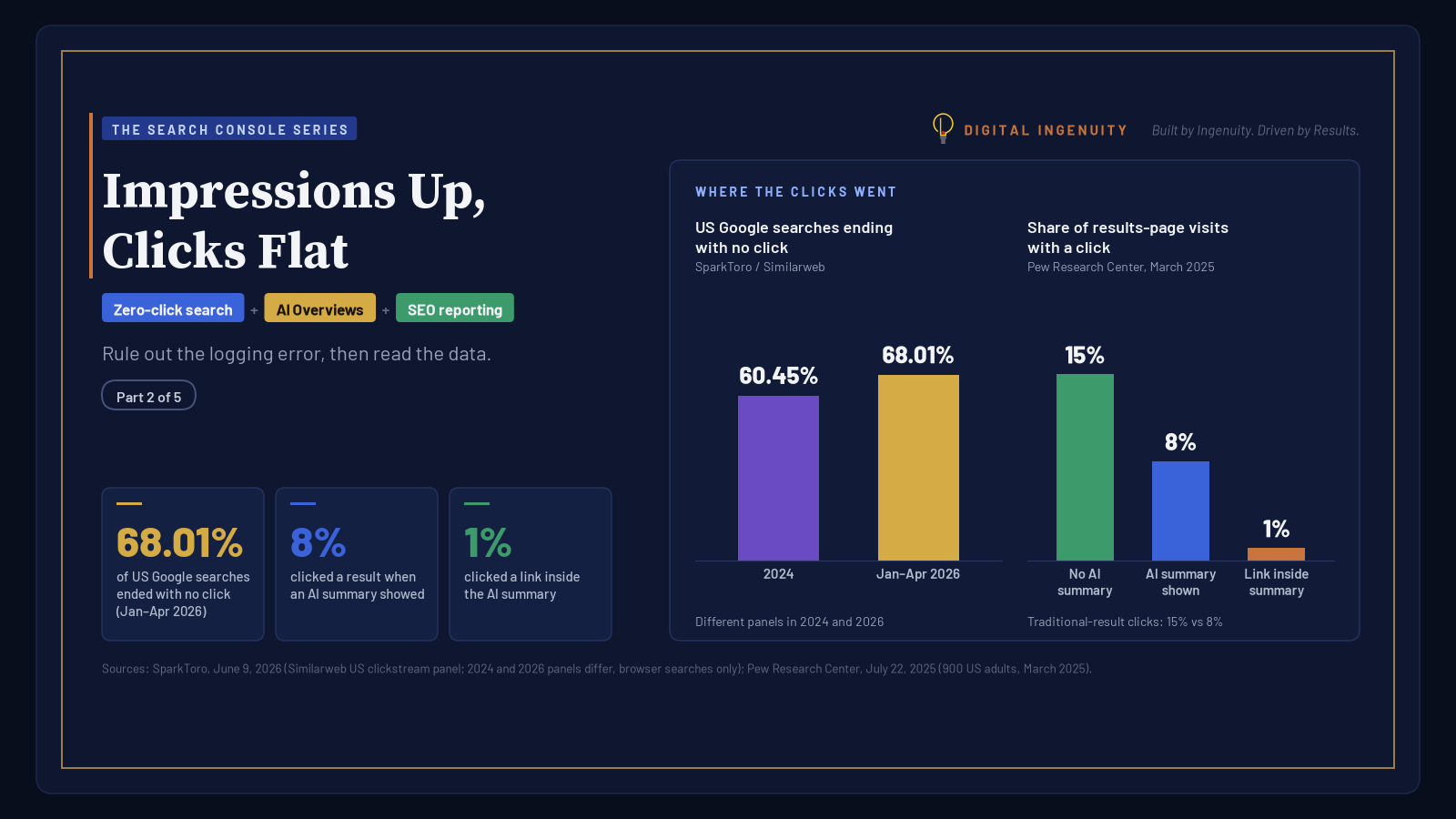
More searches end on Google itself. SparkToro’s 2026 study of Similarweb’s US desktop and mobile clickstream panel found that 68.01% of Google searches in January–April 2026 ended without any click, not even to a Google property such as Maps or YouTube, up from 60.45% in 2024. SparkToro notes two caveats worth keeping: the panels behind the two years are different, and the data covers browser searches, not the Google app.
Pew Research Center found a similar effect from AI summaries. In March 2025, among 900 US adults whose browsing it tracked, people clicked a traditional search result on 8% of visits to a results page that showed an AI summary, compared with 15% when there wasn’t one. Links inside the summary itself were clicked on just 1% of those visits. Google disputed the study, telling Ars Technica it “uses a flawed methodology and skewed queryset that is not representative of Search traffic.” Treat both studies as direction, not as a forecast for your site.
How to spot it: look for queries where your average position is stable and high (top five) but CTR is low or falling. Question-style and definition queries are the usual suspects.
3. A rich result or AI feature changed the page around you
Search Console counts AI features with the same rules as everything else. Google’s documentation says an AI Overview occupies a single position, all links inside it share that position, and clicking an external link inside it counts as a click. AI Mode follows standard impression rules, and a follow-up question counts as a new query. Featured snippets typically sit at position 1.
Rich results can also disappear. Google’s Data anomalies page notes that as of May 7, 2026, FAQ rich results no longer appear in Google Search. If a page used to earn FAQ results, its impressions and clicks may have shifted for reasons unrelated to the page’s quality.
So your link can be “in” an AI Overview, collect an impression, and still get no click, because the overview answered the question. Meanwhile a competitor’s rich result can sit above your plain link and take the click. Google’s guide to traffic drops makes the point directly: if impressions hold steady but clicks fall, your title and snippet may not be as clear as they could be, or other sites may have a more appealing rich result.
How to read the Performance report, step by step
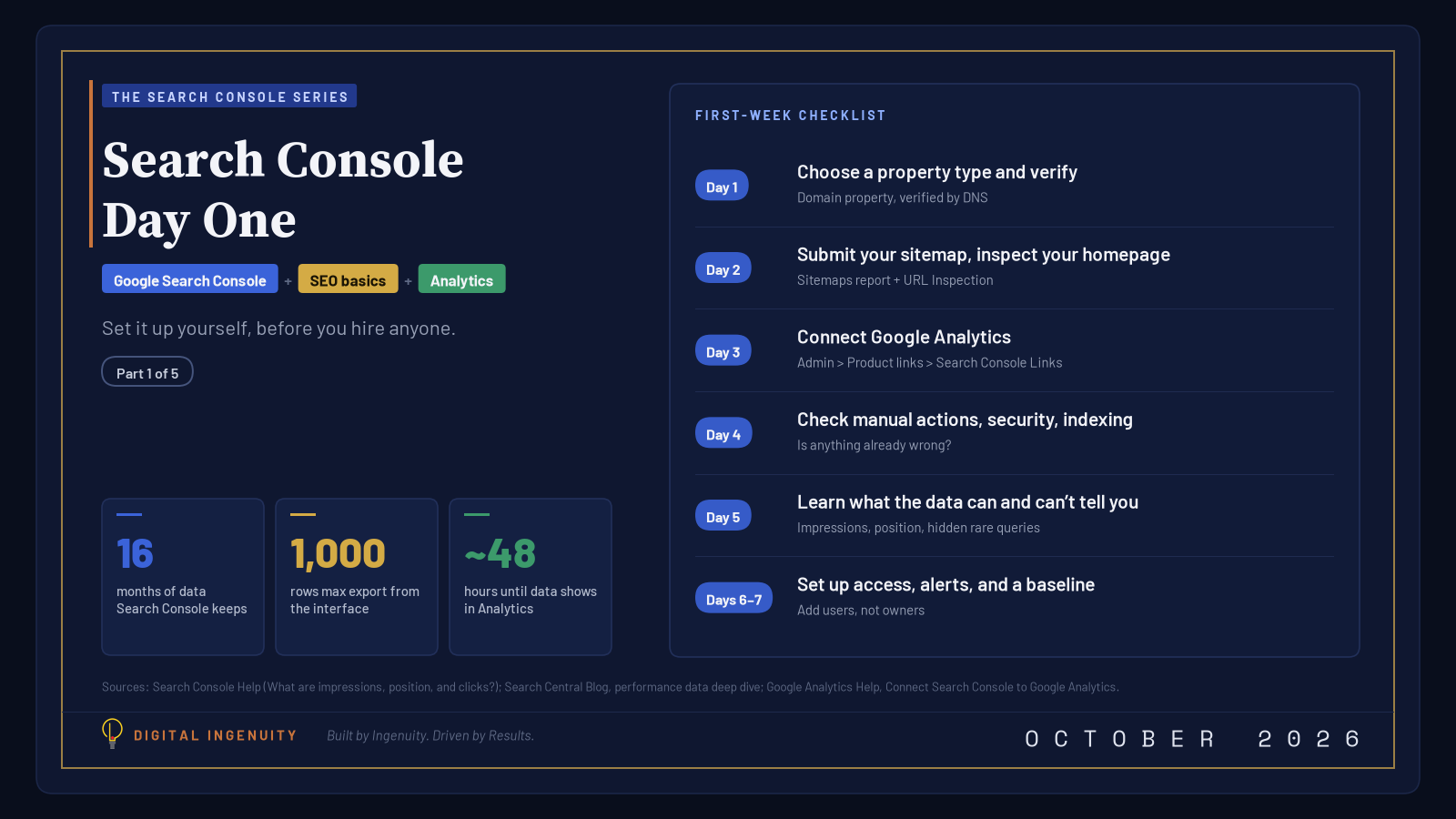
- Set the date range to the last 16 months. That’s all the history Search Console keeps. (Haven’t set it up yet? Start with Search Console Day One.) It shows you seasonality before you blame anything else.
- Use Compare. Compare the last three months with the previous period and year over year. Then check every tab (Queries, Pages, Countries, Devices, Search appearance) to see where the change happened.
- Split branded and non-branded queries. Eligible top-level properties have a built-in Branded / Non-branded query filter, though sites with few impressions may not get it. Branded clicks come from people who already know you. Non-branded clicks are where growth shows up.
- Group queries by position. Export the Queries table and bucket rows into positions 1–3, 4–10, 11–20, and 21+. Impressions that grow in the 21+ bucket explain the “flat clicks” chart on their own.
- Open the Generative AI performance report. Google finished rolling it out to all websites on August 31, 2026, although sites with very few AI-feature impressions may not see it yet. It shows how often your pages appeared in AI Overviews and AI Mode, by page, country, device, and date. It reports impressions only: no clicks and no queries. Clicks from those features stay in the main Performance report under Web, mixed in with everything else.
- Join the two exports by page. Pages with a high share of AI-feature impressions and a low CTR are candidates for “the answer was given on Google.”
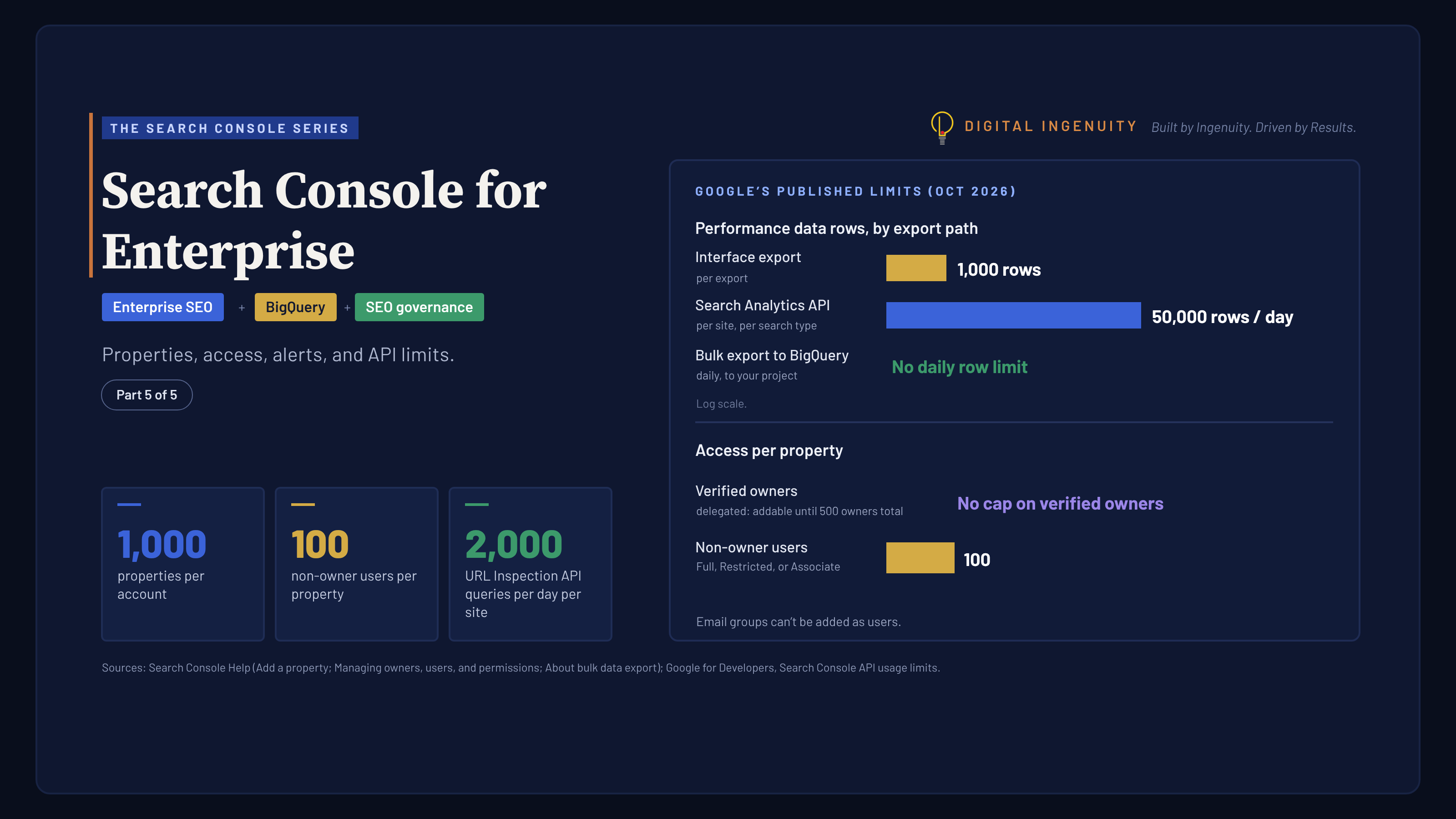
Keep the data limits in mind. Rare queries are anonymized and left out of the query table, though they’re still counted in the chart totals, so the rows will never add up exactly. The interface also exports at most 1,000 rows. Our Search Console walkthrough covers the rest of the report in plain English.
A quick diagnosis table
| What you see | Most likely explanation | What to do |
|---|---|---|
| Impressions ↑, average position ↓, clicks flat | Ranking for more searches, mostly low | Pick 5–10 page-two queries and improve those pages |
| Impressions ↑, position stable and high, clicks flat | Answer shown on Google (AI Overview, snippet, panel) | Make sure the page offers something a summary can’t: tools, pricing, local proof, contact |
| Impressions flat, clicks ↓ | Weaker title or snippet, or a competitor’s rich result | Rewrite titles and descriptions; check Search appearance |
| Impressions ↓ and clicks ↓ | Ranking, technical, or seasonal drop | Check Page indexing and Google Trends; see our Search Console for Enterprise guide |
The numbers that actually matter
Impressions are an input, not the outcome. When we build a client report, these lines go at the top:
- Non-branded clicks to pages that make money: service, location, and product pages, not the whole site.
- CTR within a position band, for example positions 1–5 this quarter versus last. That isolates the effect of AI features and snippets from ranking changes.
- Queries moving from page two to page one. This is a leading indicator that comes before clicks.
- What visitors do after the click: calls, form fills, and booked jobs, tracked in Google Analytics. Google says clicks from results pages with AI Overviews tend to be higher quality, meaning people are more likely to spend time on the site.
- AI-feature impressions for priority pages, from the Generative AI report. Treat this as a visibility measure, not a traffic one.
For a fuller framework, read our post on SEO metrics that matter for a business and our look at how AI Overviews and featured snippets affect CTR.
What to do when the answer lives on Google
You can’t stop Google answering questions. You can make your page the one worth clicking:
- Lead with what a summary can’t give. For a Dallas plumber, that’s a price range, service-area map, availability, and real reviews, not a 600-word definition of a clogged drain.
- Keep content unique. Google’s own guidance on generative AI search says unique, non-commodity content will likely matter more over time than any other tactic.
- Fix titles and descriptions on pages with stable positions and falling CTR.
- Structure answers people can verify. Clear headings, sourced facts, and an obvious next step help readers and answer engine optimization alike.
- Stay eligible. To appear as a link in AI Overviews or AI Mode, a page must be indexed and eligible to show with a snippet. Google says there are no extra technical requirements and no special files or schema.
When flat clicks really are a problem
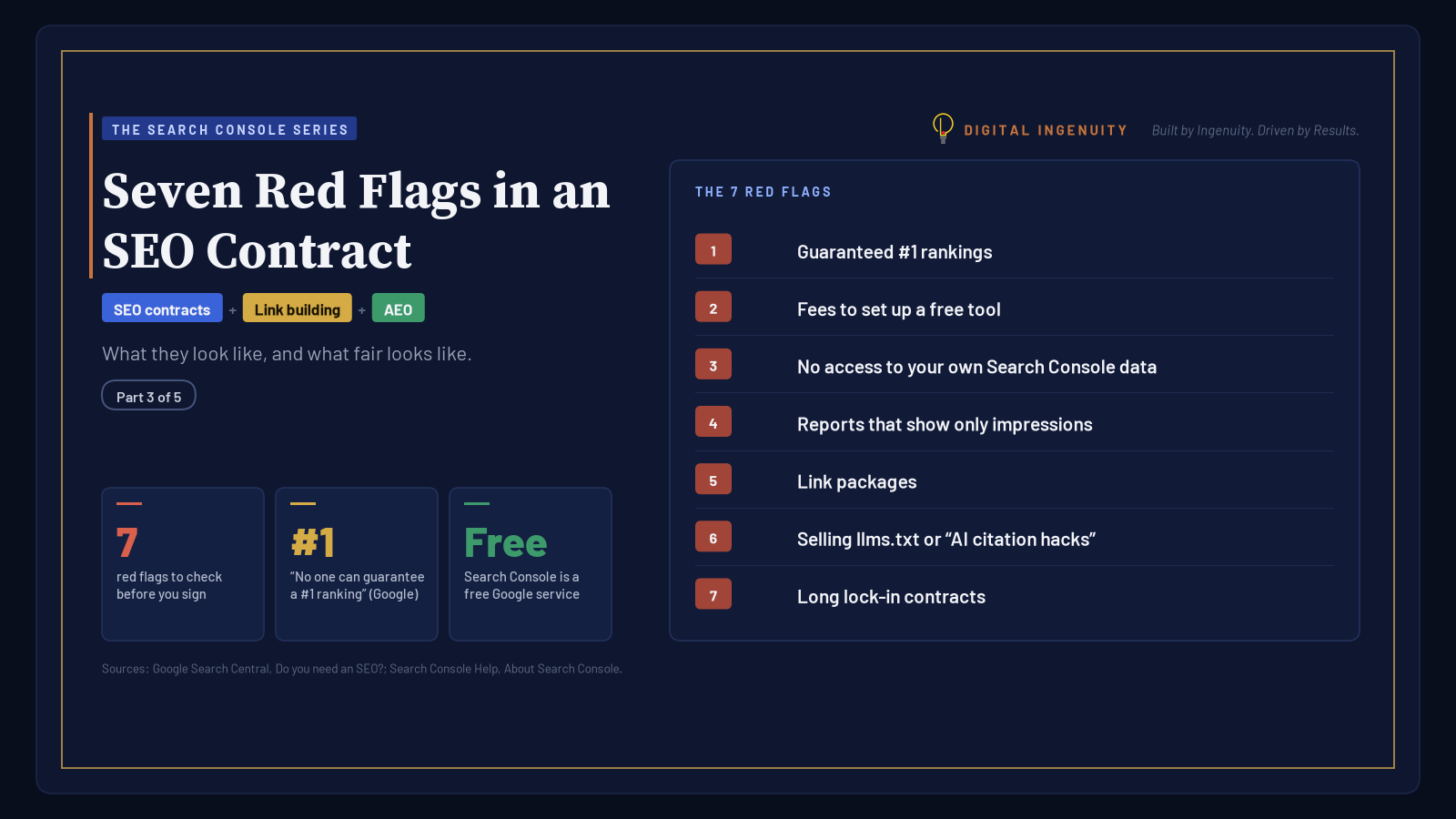
Flat clicks are worth worrying about when non-branded clicks to your key pages fall while their positions hold; when your branded clicks fall, which suggests demand or reputation issues; or when rising impressions come with a spike in “not indexed” pages. A good partner will tell you which case you’re in, with the report open. If someone sends you only an impressions chart, read our guide to red flags in an SEO contract.
Have questions about your own setup? Contact us for more information.
Related reading
Sources
- What are impressions, position, and clicks? (Search Console Help)
- Performance report (Search results): Overview and basic setup (Search Console Help)
- Debugging drops in Google Search traffic (Google Search Central)
- Generative AI performance report (Search) (Search Console Help)
- Introducing Search Generative AI performance reports in Search Console (Search Central Blog, June 3, 2026)
- Introducing the branded queries filter in Search Console (Search Central Blog)
- A deep dive into Search Console performance data filtering and limits (Search Central Blog)
- AI features and your website (Google Search Central)
- Optimizing your website for generative AI features on Google Search (Google Search Central)
- In 2026, less than one third of Google searches still send a click (SparkToro, June 9, 2026; data: Similarweb)
- Google users are less likely to click on links when an AI summary appears in the results (Pew Research Center, July 22, 2025)
- Data anomalies in Search Console (Search Console Help)
- Google Search Console fixed the 50-week data logging issue (Search Engine Roundtable)
- Google fixes Search Console’s year-long data logging issue (Search Engine Land)
- Research shows Google AI Overviews reduce website clicks by almost half, with Google’s response (Ars Technica)